Feature
Your phone is now
your counter.
Mobile Counter
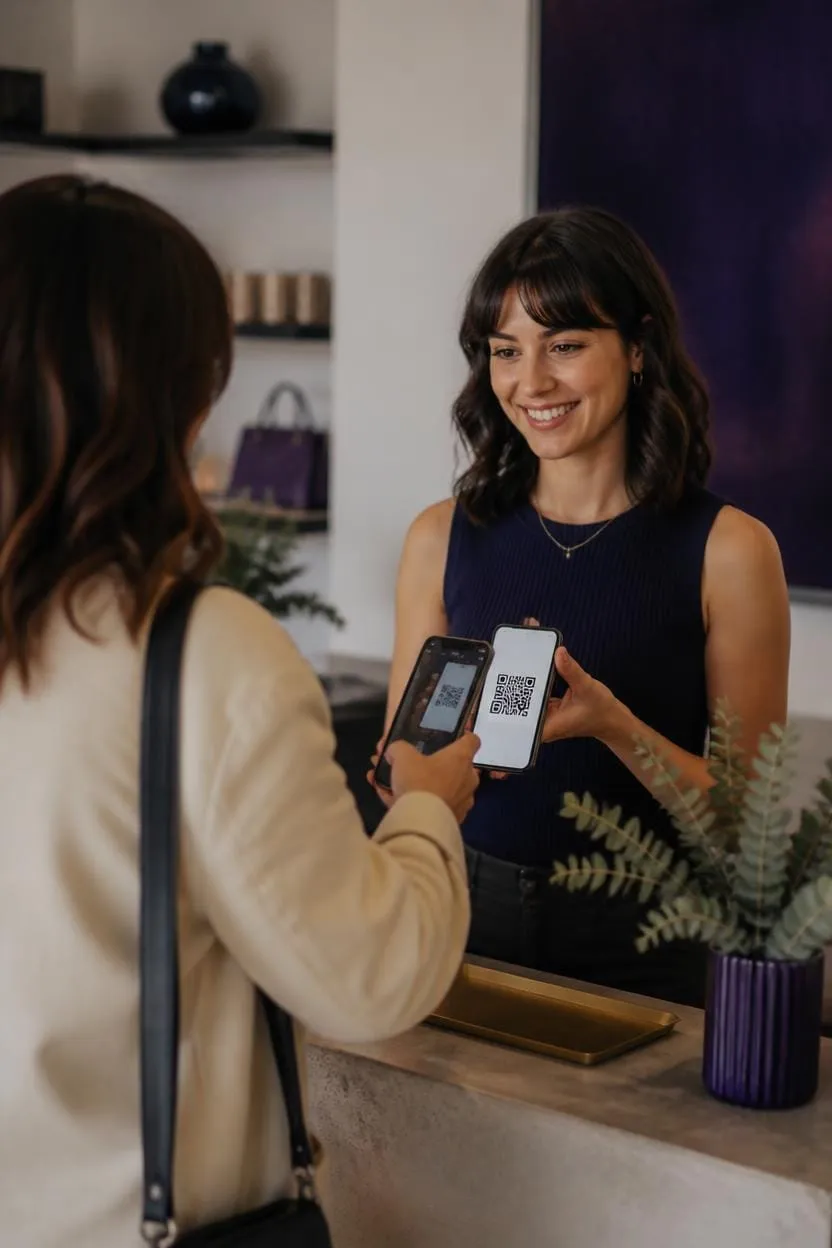
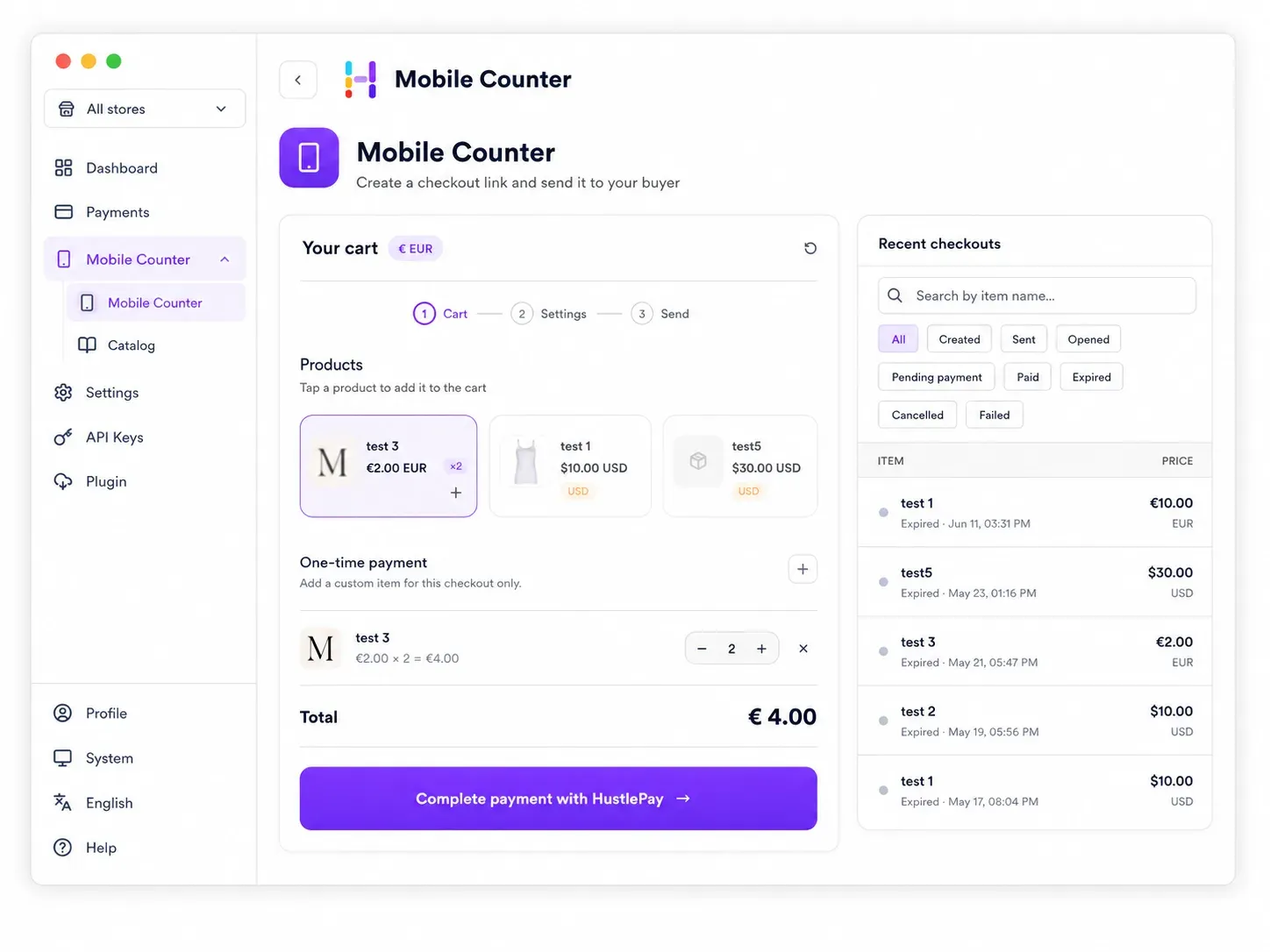
Create the order on your phone. Show a QR code or send a payment link. The customer pays on their own device with the same HustlePay checkout.
- Build the order on your phone
- Show a QR code or send the link
- The customer pays on their phone
What you get
Made for businesses that sell face to face
-
Instant
Instant checkout links
Create a secure checkout link in seconds and share it with your customer.
-
Flexible
Saved products or custom items
Choose products already saved in your catalog, or enter a custom item or amount for this sale.
-
Live
Track status in real time
Follow each checkout from creation to payment with live status updates.
-
Anywhere
Counters, events and phone orders
Use it at counters, pop-up shops, markets, events, on the road or when taking orders by phone.
How it works
From order to paid
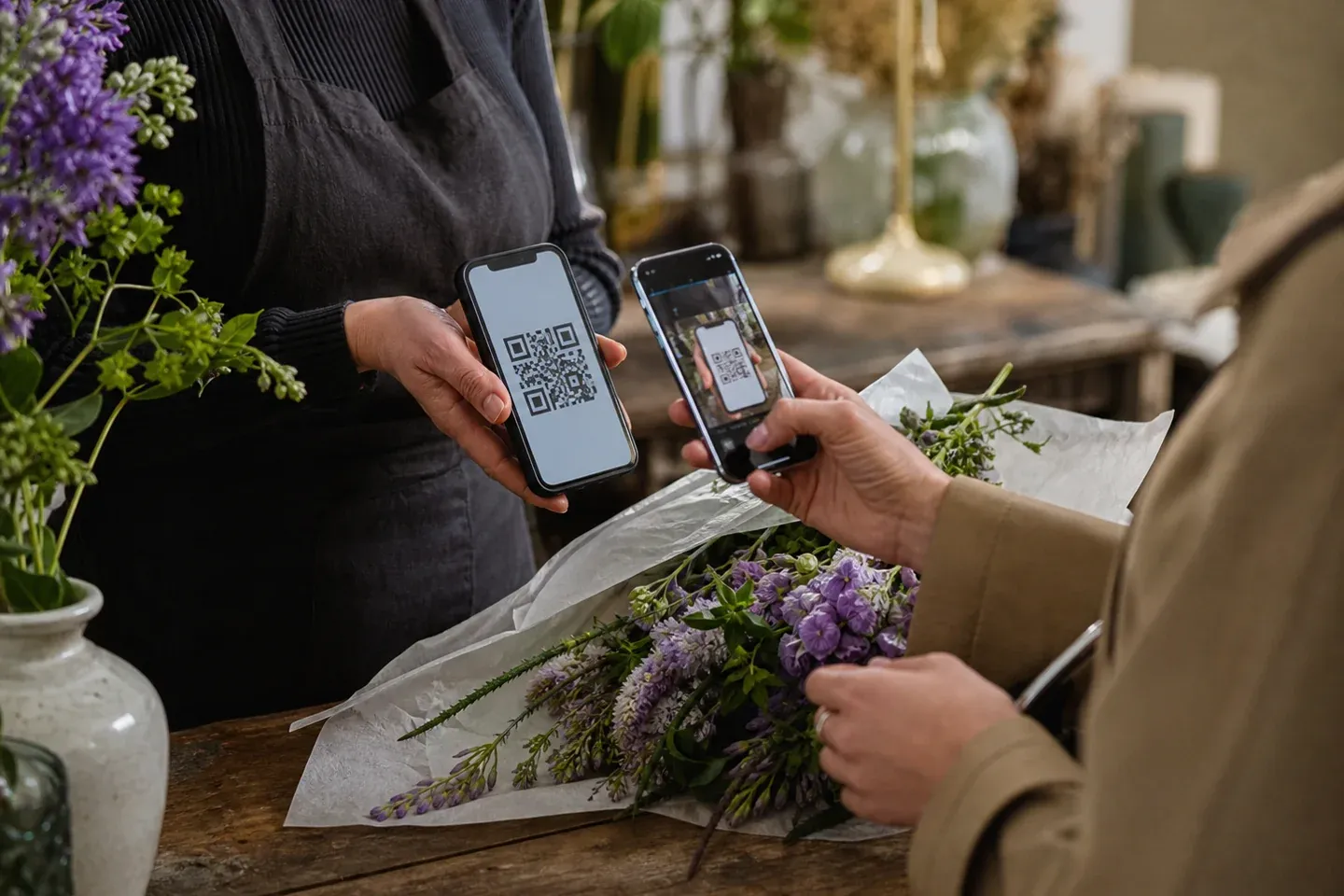
Build the order on your phone. Show a QR code or send the link. Add a picture of the item if you wish. The customer pays on their phone. You move to the next customer.
-
Build the order on your phone
Create the customer’s order on your phone. Add a picture of the item if you wish.
-
Show a QR code or send the link
The customer opens the checkout on their own device.
-
The customer pays on their phone
You move to the next customer.
Good for
Sell wherever you meet customers
Food trucks, markets, pop-ups, repairs, events, phone orders, local retail.
- Food trucks
- Markets and pop-ups
- Phone orders
- Repairs and events
- Local retail
Checkout timeline
Example- Step 1
Created
Checkout link has been created
- Step 2
Sent
Checkout link sent to customer
- Step 3
Pending payment
Waiting for customer to complete payment
- Step 4
Paid
Payment completed successfully
Why HustlePay
No expensive counter required
-
Your phone. Your customer. Your sale.
For many merchants, a traditional POS setup is more hardware than they need. Mobile Counter keeps the customer handoff simple.
-
Payment options by configuration
Customers see the supported payment methods available for that merchant, country and checkout.
-
Fast and personal
Create the order while you talk to the customer and share checkout in a few taps.
-
Works wherever you sell
Use the HustlePay dashboard without adding dedicated checkout hardware.
FAQ
Frequently asked questions
Straight answers for merchants who want to sell face to face with Mobile Counter.
What is Mobile Counter?
Mobile Counter turns a merchant’s phone into a simple sales counter. Build the customer’s order on your phone and let the customer complete checkout on theirs.
Can I take payments without a card terminal?
Yes. No dedicated payment terminal is required for the customer handoff. The customer completes the connected checkout flow on their own device.
Does the customer need an app?
No. They open the secure checkout link or scan the QR code on their own phone and complete the connected checkout flow.
How does QR checkout work?
Build the order, show the QR code and let the customer scan it with their phone. They review the order and complete the available checkout flow on their device.
Can I add catalog and custom items?
Yes. Choose products already saved in your catalog, or enter a custom one-time item or amount. Saved products remain available for the next sale.
Which currencies and payment methods are supported?
Available currencies and payment methods depend on the merchant’s country, account configuration and connected payment providers.